
VINELink Coverage for Mineral County
Colorado VINE runs as a statewide county-jail notification program through the County Sheriffs of Colorado. State budget material traces its data to participating county jail booking systems. Anyone can run free status checks. Register for notices about a release, a transfer, or an escape. Colorado county instructions describe access around the clock in English and Spanish. A toll-free line backs it up: 1-888-263-8463.
No Mineral County source confirms local participation right now. That silence is not exclusion. Try the Colorado VINELink person search across all facilities. Also check the regional jail the sheriff names. A hit at Rio Grande or another jail proves custody there. It does not prove Mineral County made the arrest.
Search Mineral Custody on VINELink
Search one known person. Statewide instructions call for a last name plus at least the first letter of the first name, since misspellings, aliases, and intake delays can skew the result. Keep search inputs, notification contacts, and any PIN private.
- Open the official Colorado VINELink person-search page and confirm Colorado is selected.
- Choose all facilities first because Mineral’s local participation and current receiving jail are unconfirmed.
- Enter the last name and at least the first initial. Add only the identity details the official interface requests.
- Compare multiple matches by facility, identifier, and other lawful fields. Do not rely on a name alone.
- Open the correct record and read the custody status and facility before registering for alerts.
- Call the sheriff or jail when the event is urgent, the result is missing, or data appears stale.
Custody alerts are not the arresting-agency record. For the arrest itself, use the Mineral County recent arrests hub. For same-day events, follow the contact chain in the Daily Arrest Report.
Colorado VINELink Search Screen
The official Colorado VINELink search presents the state, facility scope, and person-search fields.

The Colorado VINELink search screen opens with no booking-photo gallery, just the fields for a private lookup. The Colorado VINELink home entry is another official route into the statewide service.
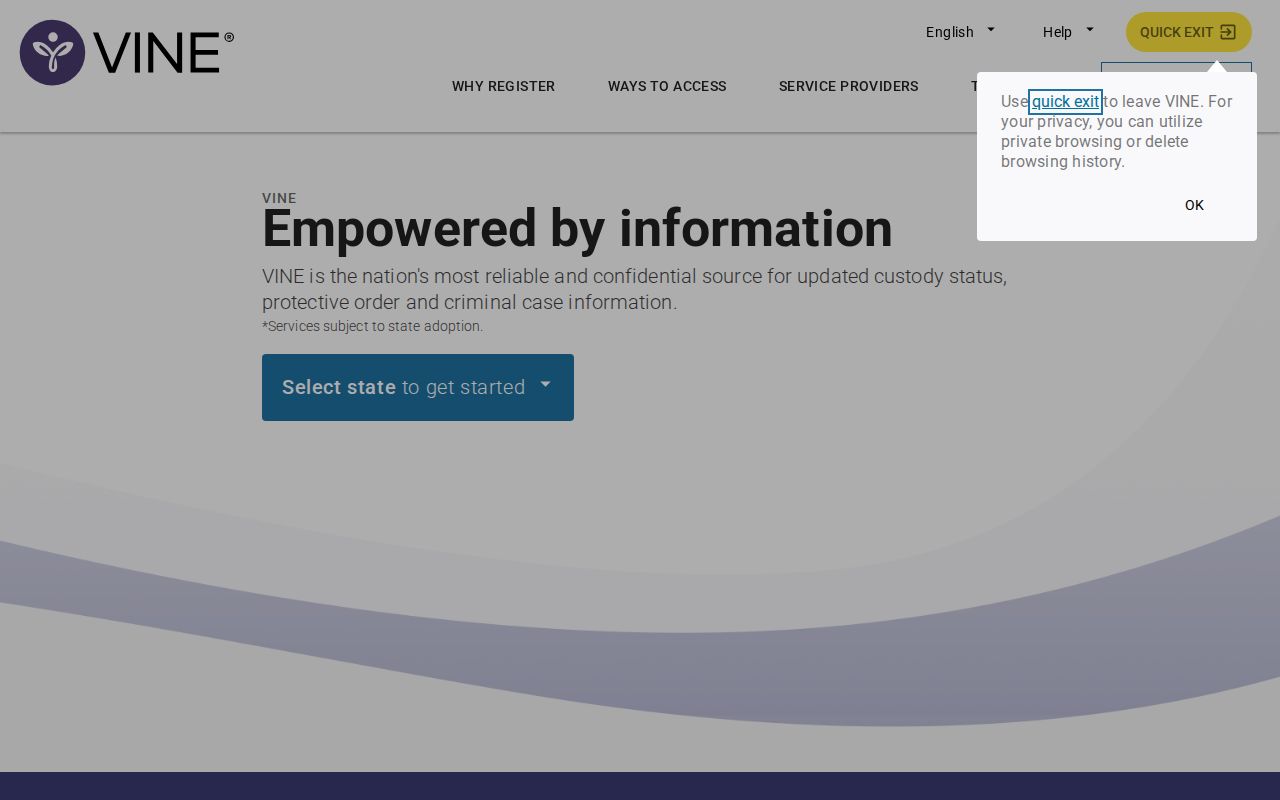
Interfaces change. Verify Colorado and the facility scope before typing a name.
VINELink Mineral Custody Fields
VINELink shows notification-style custody details, not a full arrest file. Fields differ by facility and data feed. A blank spot does not mean the agency lacks a record.
| VINELink field | Meaning and limit |
|---|---|
| Name | The identity supplied by the reporting facility; confirm carefully. |
| Offender or inmate ID | A useful facility-specific matching key. |
| Custody status | The latest status received by the service, which can lag. |
| Facility | The reporting jail or institution, not necessarily the arrest location. |
| Agency details | Contact information where provided for verification. |
| Photo | May be available for some results, but is not guaranteed or hosted here. |
| Alert options | Supported notification channels for custody events. |
Read the statuses with care. "Released" says nothing about the court outcome, and "Transferred" only means custody moved somewhere else. A detainer can affect release too, so turn to the arresting agency and Colorado Judicial Branch records for the charge and its resolution.
Register for Mineral Custody Alerts
Once the right person appears, use the record's registration control. Colorado sources list phone, email, text, and TTY notices, with other methods mentioned statewide. Options vary by interface. Registration costs nothing.
- Open the verified person’s record and select the notification or registration option.
- Choose a supported contact method and enter private contact information directly into VINELink.
- Select the custody events offered for that record, such as release or transfer.
- Complete any confirmation step. For phone alerts, create the PIN requested by the service.
- Store the PIN privately. It may be needed to confirm receipt or manage calls.
- Return to the official service to update or end the alert when it is no longer needed.
Alerts can arrive late, get missed, or reflect a corrected status. Never lean on one as your only safety plan. In an emergency, call law enforcement. For non-emergencies, use the agency contact in the result plus the Mineral County sheriff's official number.
Colorado VINE Registration Mechanics
For a full walkthrough, the Douglas County Sheriff's official VINE instructions cover statewide mechanics. They explain name searching, result review, and phone PIN use.
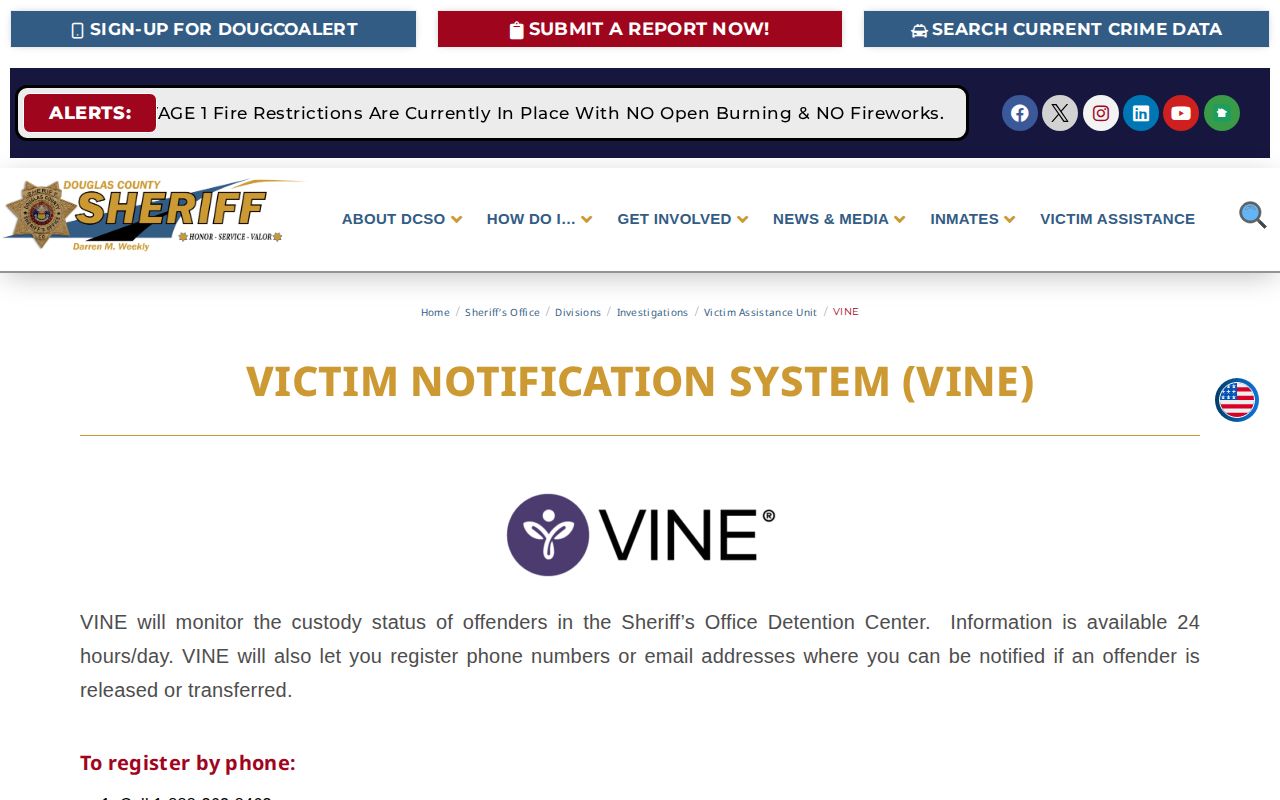
Douglas County is only a mechanics reference. It proves nothing about Mineral County participation or where a Mineral arrestee is held.
Confirm Missing Mineral VINELink Results
A missing result has many explanations. The booking may be too new. The person might sit at a facility outside the feed, be booked under a different spelling, get released before your search, transfer out, or fall beyond county-jail coverage. Mineral's regional custody path makes facility selection matter. Call the Mineral County Sheriff at (719) 658-2600 during office hours; after hours, Alamosa Dispatch handles non-emergencies at (719) 589-5807. Ask whether Mineral documented the arrest and which jail received the person, then call that jail. Need the record itself? File the county's official public-records form.
Mineral County Sheriff’s OfficeP.O. Box 454
Creede, CO 81130
(719) 658-2600
Non-emergency dispatch: (719) 589-5807
VINELink Does Not Cover Everything
VINELink has limits. It is not a historical arrest log, a conviction database, a warrant-clearance system, or a guaranteed photo source, and a court docket is entirely separate. A later state-prison stay belongs in the Colorado Department of Corrections Offender Search, federal custody in the Bureau of Prisons locator, and immigration detention in the ICE locator. None of these substitutes for another.
County jail data shifts fast. Write down the facility, status, identifier, and time you checked, then verify anything critical with the reporting agency. An old result is not current custody. Skip third-party mugshot or directory pages when they clash with an official status.
After a Mineral County Arrest
Each system answers a different question. Mineral County can confirm its arrest or incident record. A receiving jail confirms intake and current custody, while VINELink adds status alerts if the facility participates. Down the line, the Mineral Combined Court shows hearings and outcomes. CDOC takes over after a state sentence and transfer.
- Booking
- Administrative intake after arrest, including identity and charge fields.
- Transfer
- Movement from one custodian or facility to another.
- Disposition
- The court’s later outcome, which may differ from the booking charge.
- Detainer
- Another authority’s request concerning continued custody or notice.
Charges often shift after booking. Confirm the case number and court outcome before drawing conclusions. Treat any VINELink alert as a prompt to verify with officials, especially when safety or a court deadline is at stake.
Manage VINELink Alerts Privately
Signing up for VINELink means handing over real contact data. Use only the official site for that. A phone number, an email, or TTY details all belong there, nowhere else. Guard the confirmation and PIN too. Skip screenshots, shared notes, and public posts. Before you register, decide who actually gets the alerts and who holds the PIN.
Take the confirmation step seriously. Test the channel it offers you. An alert may say a person was released or transferred. Write down when it arrived. Then call the reporting facility and confirm the Mineral County custody change. Keep in mind the alert covers custody only. It says nothing about a court outcome.
Facility moves change things. After a transfer, run a fresh search or register again for the new location. End any alert you no longer need through the official service. Never post another person's notification, booking photo, or identifying details in a public gallery. If your phone service is shaky, pick a different supported method. VINE notices are helpful. They cannot replace a safety plan or a call to 911 in an emergency. The statewide service runs around the clock; local records desks keep office hours.
Registering never changes custody or speeds a release. It simply asks for notice when a participating source reports an event. Refuse any unofficial copy of the service, and check the browser address first. If no record shows up, try verified spelling. Widen the facility scope before assuming release. Then confirm the Mineral County arrest with the agency. Ask which jail received the person. One direct answer from the office beats endless searches of a feed that may skip that facility altogether.
Public Record Search
Sponsored Results